
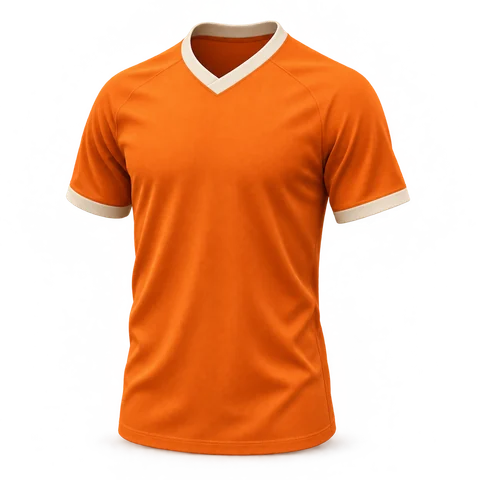
In this category guide
Choose the season, then the details.
Pick the team, season and home or away design first. A USFans jersey spreadsheet may group several versions that look similar at a glance.
Browse football jerseys on GoodsVero, checking the front and back against the version you want. If the agent loads a different design, resolve that mismatch before placing the order.
Design, fit and custom printing.
- 01
Match the design
Compare the team, season, colors, front and back, and any included patches.
- 02
Use that jersey’s size chart
Measure chest width and body length against a sports top you own. Player and fan labels alone do not define a fit.
- 03
Proofread the customization
If printing is available, review the name, number, spelling and placement. Check patch details, added cost and the seller’s change or return terms.
Common questions.
Can I change a name or number after ordering?
Ask before you place a custom order. Changes depend on the seller and how far the order has progressed; general return terms may not cover personalized printing.
Before you order.
Save the exact printing instructions. When inspection photos arrive, compare the text, patches and size with that request before arranging international shipping.
Related category guides.
Read a related guide or browse all category guides for another item type.