
In this category guide
Start with the shape you want.
Choose the leg shape and rise you like before comparing waist labels. The same size can describe very different proportions across trouser listings.
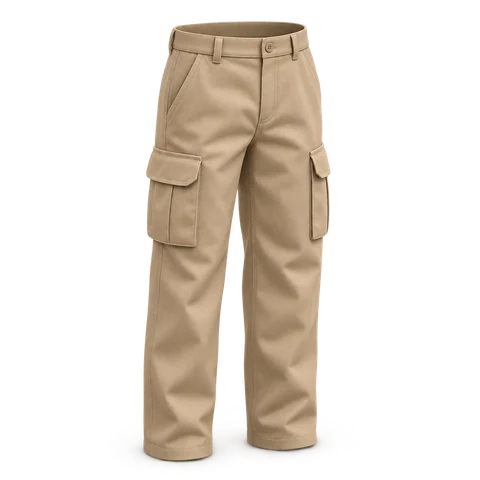
Browse trousers on GoodsVero with a pair you already enjoy wearing as a reference. Full-length photos, pocket details and fabric notes help you judge the style alongside the measurements.
Waist, rise and leg length.
- 01
Understand the waist measurement
Is the chart showing flat width, circumference or a relaxed-to-stretched range? Compare the same measurement and waistband state.
- 02
Look beyond the waist
Compare rise, thigh, inseam and hem width. Use the seller’s diagram to distinguish inseam from outseam.
- 03
Choose the length and finish
Check size, color and any length or finishing choices, plus the quantity supplied. Pictured belts or other accessories may be separate.
Common questions.
What if the trouser length is unclear?
Ask which points the seller measures, then request that measurement for your size. Compare the same points on a pair you own; inseam and outseam are not interchangeable.
Before you order.
Resolve any missing measurement before requesting an alteration or fixed length. If the warehouse offers measurements, specify the points you need so the photos are useful for comparison.
Related category guides.
Read a related guide or browse all category guides for another item type.