
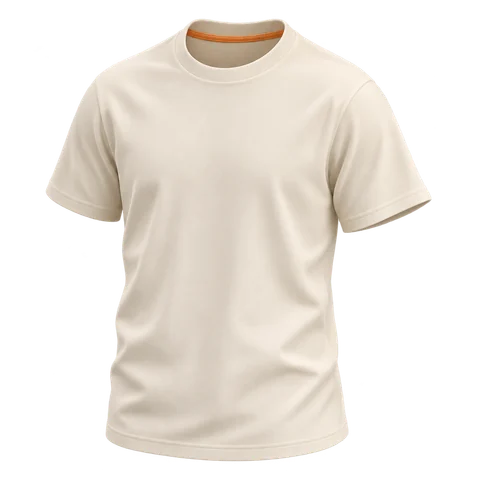
In this category guide
Find your everyday cut.
Choose the proportions you enjoy wearing: cropped, long, close at the shoulders or relaxed. A graphic and a price tell you little about the cut.
GoodsVero’s T-shirt category is a place to compare designs. Save the design and size you like, then open the current listing to check its price and currency before ordering.
Fit, graphics and fabric.
- 01
Compare the cut
Use a tee you like as a reference for body length, chest width, shoulders and sleeves. Check that the size chart uses the same measuring method.
- 02
Look at both sides
Match the front and back graphic, color, quantity and version. A main image may show several designs.
- 03
Read the fabric and care notes
Look for composition and care details. Photos cannot tell you how heavy, opaque or soft the fabric is.
Common questions.
Why can two medium T-shirts fit differently?
“Medium” is a label, not a shared set of measurements. Compare each tee’s chart and intended cut.
Can I compare a plain tee’s starting price with a printed version?
Only after choosing the versions you want. Prints, fabrics and quantities can have different prices from the plain tee shown first. Compare the currency too.
Before you order.
For inspection, request the measurements and print views that matter to you. Use the saved design as your reference rather than a generic main image.
Related category guides.
Read a related guide or browse all category guides for another item type.