
In this category guide
Start with the pair you need.
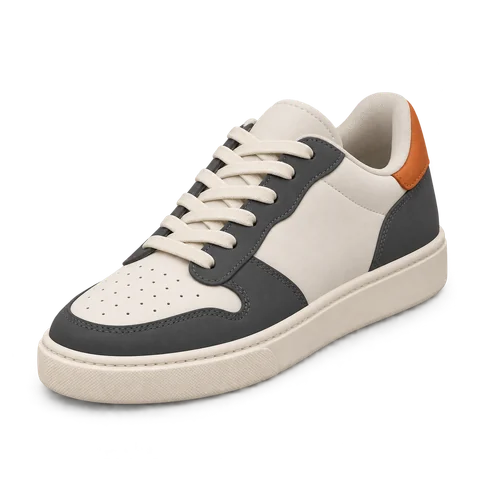
Start with the shoes you need: everyday sneakers, boots or sandals. A USFans shoes spreadsheet can help you compare finds, but similar photos and names may point to different sellers or versions.
Explore footwear on GoodsVero, using a comfortable pair you own as a fit reference. Save the listing with your size and color, then check that the same pair appears when you open it through a purchasing service.
Size, version and pair checks.
- 01
Compare the same measurement
Find out whether the chart lists foot, insole or outsole length. Compare like measurements within the same size system.
- 02
Match the version
Check the colorway, size and version label against your order details. The main photo may group several different pairs.
- 03
Inspect both shoes
Use photos of your own order to review left and right size labels, finish, soles and any included pieces.
Common questions.
Should I choose my usual shoe size?
Treat your usual size as a starting point. Use the listing’s measurements to choose, and ask about any unclear fit details before paying.
What if a chart gives insole length but I measured my foot?
Ask how to use that chart. Foot, insole and outsole lengths measure different things, so a foot measurement cannot simply stand in for an insole measurement.
Before you order.
Request the packed pair’s weight and dimensions for a shipping estimate. If you want the shoe box removed, ask whether that service is available and how the item will be packed before approving it.
Related category guides.
Read a related guide or browse all category guides for another item type.