
In this category guide
Match the phone before choosing the design.
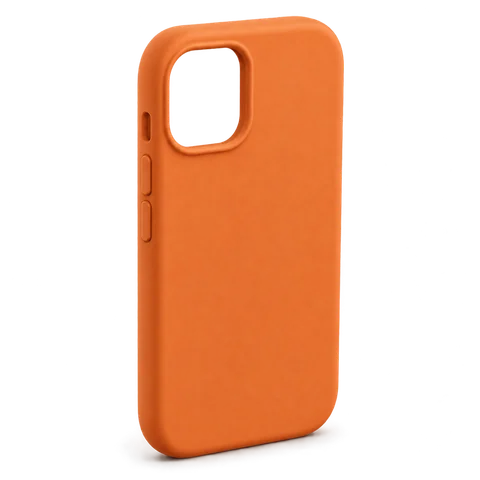
Start with your phone’s complete model name. Similar names can hide differences in dimensions, button positions and cameras, so browse phone cases on GoodsVero by the exact device.
Once the model matches, compare the color, finish, edge shape and material description. For protection or compatibility claims that matter to you, ask for supporting information.
Model fit, openings and accessories.
- 01
Match the complete phone model
Use the model name or number in your phone’s settings or manufacturer guidance. Match its generation and size to the case description.
- 02
Look at the openings and buttons
Review camera clearance, connector access and button coverage. A similar phone in the main picture is not enough to establish fit.
- 03
Check compatibility and extras
Read charging and accessory compatibility for your phone and case together. Straps, inserts and lens covers may be separate items.
Apple shows how to identify an iPhone by its model details. Use the device maker’s equivalent information for other phones before choosing the case option. Apple: identify your iPhone model.
Common questions.
Where can I find my exact phone model?
Look in the phone’s settings, then use the manufacturer’s model-identification guide if needed. Match the full model to the seller’s supported-device list; screen size alone is not enough.
Before you order.
Before paying, resolve any unclear charging or accessory claims for the exact phone and case you’ll use.
Related category guides.
Read a related guide or browse all category guides for another item type.