
In this category guide
Plan around what you carry.
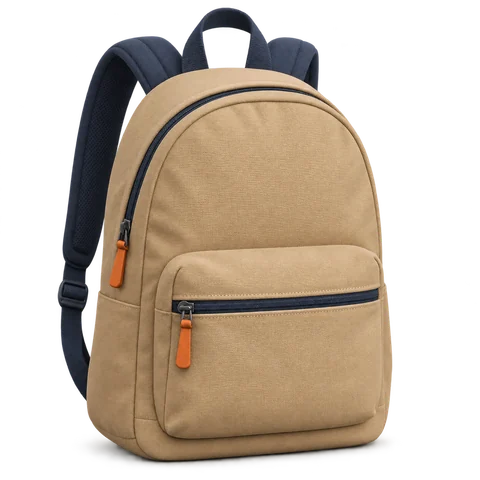
Think about a typical day with the backpack: commuting, classes or a short trip. Browse backpacks on GoodsVero with the things you need to carry in mind.
An opening, laptop sleeve or divider can change the space you can actually use. Look through the interior layout, strap adjustment and pocket positions before narrowing down a size.
Usable space, carrying fit and packed size.
- 01
Measure the compartment you need
Compare your laptop or main item with the sleeve and opening dimensions. Overall capacity and exterior width do not describe every compartment.
- 02
Check access and carrying fit
Look at strap adjustment, handles, fastenings and pocket positions for your routine. Find out which accessories come with the bag.
- 03
Allow for packed size
Check the size, color and material you’re buying. Ask for packed dimensions when the bag’s structure or padding affects parcel space.
Common questions.
Which views help when inspecting a backpack?
Ask for the main opening, lining, laptop sleeve or other key compartment, zipper tracks and shoulder-strap attachments. Include any pocket or accessory that influenced your choice, using photos of your own order.
Before you order.
Base delivery estimates on the packed backpack’s weight and dimensions, not its capacity label. If weather protection matters, ask for evidence for the material you’re buying.
Related category guides.
Read a related guide or browse all category guides for another item type.