
In this category guide
Start with what you carry.
Start with what the bag needs to carry: your phone and keys, a laptop or a day’s travel essentials. A polished exterior photo will not show how those items fit inside.
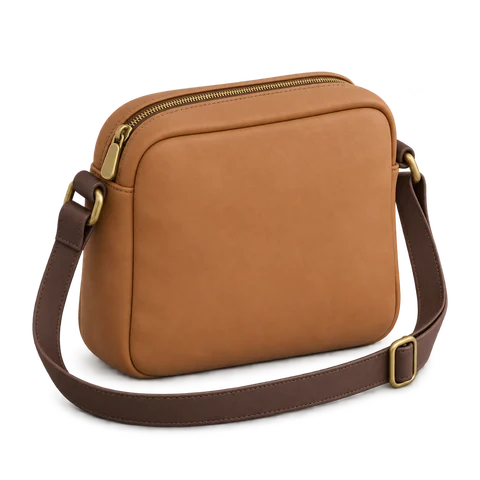
Browse bags on GoodsVero by purpose. Interior views and strap details can help narrow your choice; photos from your own order are what you’ll use to review the bag that arrives.
Space, straps and included pieces.
- 01
Check the opening
Compare your essentials with the opening and compartment dimensions. A bag’s outside width alone does not tell you what fits inside.
- 02
Check the carrying fit
Look at handle drop, strap length, adjustment and attachment points. Ask whether a detachable strap comes with the bag.
- 03
Read the package contents
Check the size, color, lining, pockets and closure. Pouches and other accessories in display photos may be separate.
Common questions.
Will a bag fit my laptop if its width is large enough?
Measure the laptop against the opening and interior, including any divider. A wide exterior can still have a narrow opening or a smaller compartment.
What if the listing shows a bag, strap and small pouch together?
Read the contents for the version you’re buying. A styled photo may combine separately sold pieces, so ask about anything you expect to receive.
Before you order.
Ask how a structured bag will be packed before estimating parcel space. Discuss any protective packaging you want to retain, and use the packed measurements supplied by the service.
Related category guides.
Read a related guide or browse all category guides for another item type.